
Integration Fabric
Connect your entire technology stack with 73+ pre-built connectors and powerful custom integration tools. Eliminate data silos and manual processes with real-time, bi-directional sync.
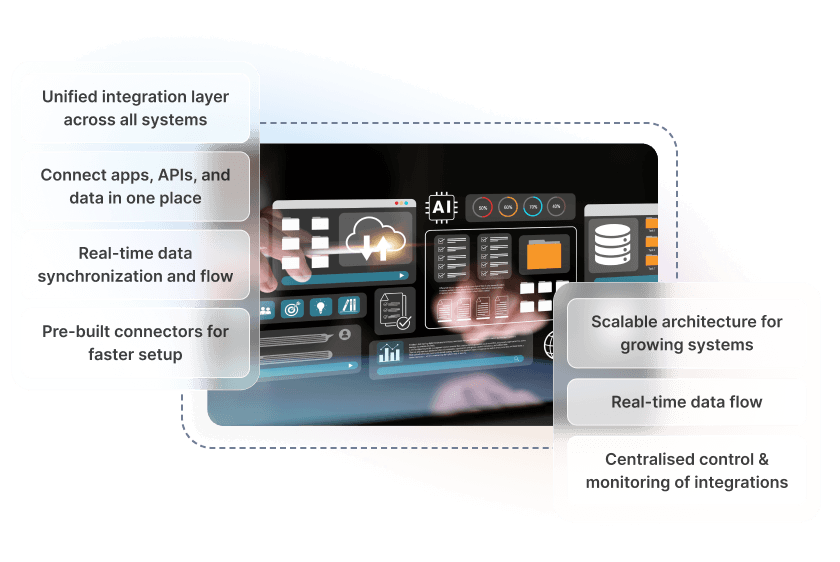
Connect Everything
73+ Pre-Built Connectors
Out-of-the-box integrations with popular business tools: accounting, CRM, marketing, payments, shipping, and more. Configure in minutes.
Real-Time Sync
Bi-directional data synchronisation that keeps all your systems up to date. Changes propagate instantly across connected platforms.
Custom Integrations
Build custom connectors for proprietary systems or niche applications. Our integration framework handles authentication, retries, and error handling.
Data Mapping
Visual field mapping between systems. Transform data formats, apply business logic, and ensure consistency across all connected platforms.
Sync Monitoring
Real-time visibility into all data flows. Monitor sync status, identify bottlenecks, and receive alerts when issues occur.
Scheduled Sync
Configure sync intervals from real-time to daily batches. Balance between immediacy and system load based on your needs.
Conflict Resolution
Intelligent handling of data conflicts when the same record is modified in multiple systems. Configurable rules determine which version wins.

Connect in Minutes
Choose Your Connector
Browse our library of 73+ pre-built connectors or create a custom integration using our framework.
Authenticate
Securely connect to your external system using OAuth, API keys, or other authentication methods. Credentials are encrypted at rest.
Map Your Data
Use the visual mapper to connect fields between systems. Apply transformations and set sync direction for each data type.
Activate and Monitor
Enable the integration and watch your data flow. Monitor sync status, review logs, and receive alerts for any issues.
Enterprise Integration Infrastructure
Sync Capabilities
- Real-time event-driven sync
- Scheduled batch processing
- Bi-directional data flow
- Delta sync (changes only)
- Full sync on demand
- Parallel processing
- Transaction support
- Rollback capability
Data Handling
- Field-level mapping
- Data type conversion
- Value transformation
- Lookup tables
- Calculated fields
- Conditional logic
- Default values
- Null handling rules
Reliability
- Automatic retry (exponential backoff)
- Dead letter queue
- Idempotent operations
- Duplicate detection
- Order preservation
- Checkpointing
- Disaster recovery
- 99.9% uptime SLA
Security
- OAuth 2.0 support
- API key encryption
- TLS 1.3 in transit
- AES-256 at rest
- IP whitelisting
- Audit logging
- Role-based access
- SOC 2 compliant
Pre-Built Role Templates
Start quickly with roles designed for common business functions.
System Administrator
Full access to all features, settings, and data. Can manage users, configure integrations, and access all reports.
- Full system configuration
- User and role management
- All data access
Account Manager
Manage customer accounts and relationships. Access to customer data, orders, and communication history.
- Customer record management
- Order and invoice access
- Communication logging
Finance User
Manage customer accounts and relationships. Access to customer data, orders, and communication history.
- Invoice and payment processing
- Financial reporting
- Revenue data access
Operations Manager
Manage day-to-day operations including jobs, scheduling, and resource allocation.
- Job and task management
- Schedule configuration
- Resource assignment
Field Technician
Mobile-focused role for field staff. Access to assigned jobs, customer details, and time tracking.
- Assigned job access only
- Time and expense entry
- Communication logging
Read-Only Viewer
View-only access to records and reports. Cannot create, edit, or delete any data across the platform.
- Read-only data access
- Report viewing
- No configuration access
Built Into Every Hykmah Product
Every product in the Hykmah ecosystem is built on the same underlying platform. Integration Fabric is available across the entire product suite by default — connect any product to your external systems without additional configuration or separate connectors.
Control technician access to jobs, customer data, and pricing. Restrict based on territory, skill level, or assignment.
Isolate franchise data by location while giving corporate users visibility across the network. Role hierarchies mirror franchise structure.
Manage member data access for staff, volunteers, and board members with appropriate visibility levels per organisational role.
Works Best With
APIs & SDKs
Build custom connectors for systems not covered by pre-built integrations using the full REST API and SDK library.
Automation & Scripting Engine
Engine Trigger automated workflows when integration events fire, or use integration actions within your automation sequences.
Data Portability & Bulk Operations
Move large volumes of data between systems using bulk operations alongside real-time integration sync.
Ready to Connect Your Systems?
Talk to our team about integrating Hykmah with your existing technology stack.
Book a Technical Discussion


