

Communication & Messaging Integrations
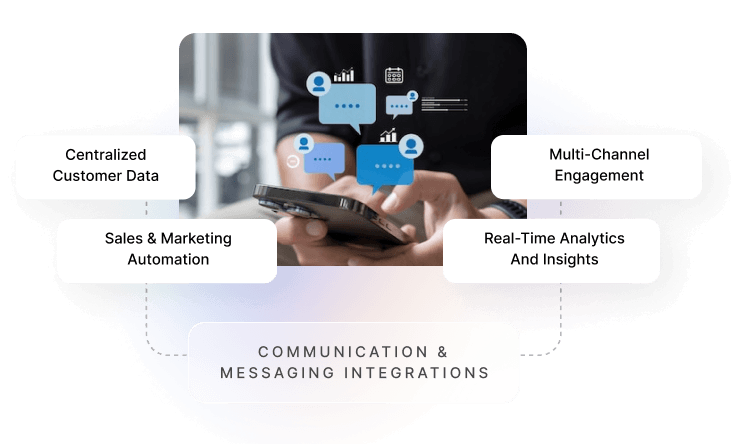
Automate customer notifications and team alerts from your business operations. Connect Hykmah with SMS, voice, and team messaging platforms to keep customers and teams informed without manual intervention.
Pre-Built Connectors for Leading Accounting Platforms
Twilio
Cloud communication platform with SMS, voice, video, and email APIs for programmable customer engagement. API · SMS · Voice

Plivo
Voice and SMS API platform with global coverage, carrier-grade reliability, and developer-friendly tools. API · SMS · Voice

Slack
Team collaboration platform with channels, direct messages, notifications, and workflow automation. OAuth2 · Webhooks
Microsoft Teams
Enterprise collaboration with chat, video conferencing, file sharing, and Microsoft 365 integration. OAuth2 · Microsoft
Integration Architecture

Sync Method
Communication integrations are outbound from Hykmah — messages are triggered by business events rather than syncing data between systems. When a defined event occurs in Hykmah (e.g. job scheduled, order shipped, payment failed, task assigned), a message is dispatched to the configured communication platform in real-time. No polling — all triggers are event-driven via Hykmah's workflow engine.

Authentication
Twilio and Plivo use API key authentication — Twilio Account SID and Auth Token, Plivo Auth ID and Auth Token, configured in Hykmah with your provider credentials. Slack uses OAuth2 — users authorise via Slack's own login screen and select the workspace and channel. Microsoft Teams uses OAuth2 with Azure AD. All credentials are encrypted at rest using AES-256.

Message Configuration
Messages are configured in Hykmah's workflow builder. Each communication trigger specifies: the event that fires it, the platform and channel to send to, the message template, and any dynamic fields pulled from the triggering record (e.g. customer name, appointment time, tracking number, job address). Templates support plain text and basic formatting. SMS messages respect carrier character limits with automatic segmentation for longer messages.

Delivery & Error Handling
Twilio and Plivo provide delivery receipts — message delivery status (sent, delivered, failed) is logged against the triggering record in Hykmah. Failed messages are flagged in the workflow log with the provider error code. Undelivered SMS messages do not retry automatically by default — retry behaviour is configurable per workflow. Slack and Teams message delivery is fire-and-forget via webhook; failures are logged but not retried. Users receive notifications for sustained delivery failures.
Keep Customers and Teams Informed Automatically

Automated Customer Notifications
Send appointment reminders, order updates, delivery notifications, and payment confirmations via SMS automatically as business events occur in Hykmah — without manual outreach or separate messaging tools.

Real-Time Team Alerts
Notify teams via Slack or Microsoft Teams when critical events occur — new orders, urgent support tickets, job assignments, or workflow approvals — so the right people act immediately without checking dashboards

Voice Integration
Trigger automated voice calls and handle inbound call routing using Twilio or Plivo. Suitable for appointment confirmations, payment reminders, and high-priority customer outreach where SMS open rates aren't sufficient.