


Field Service Integrations
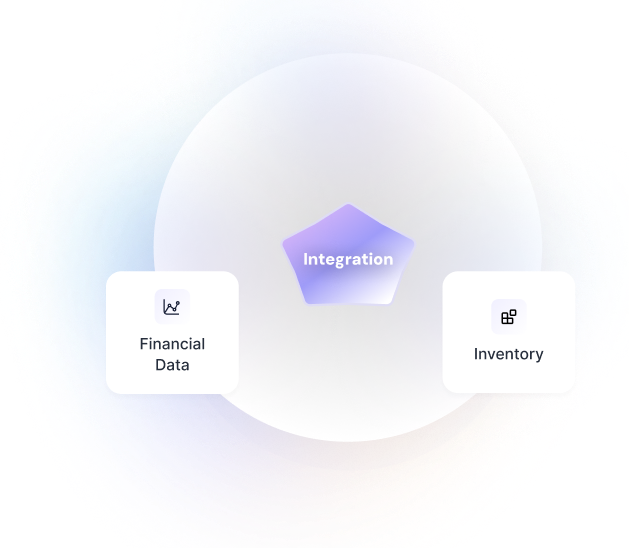
Connect Hykmah with your existing field service platform or run them alongside each other. Sync jobs, customers, scheduling, and invoicing data to consolidate operations without a disruptive migration.
Pre-Built Connectors for Leading Field Service Platforms

AroFlo
Field service management platform with job management, project tracking, scheduling, and invoicing for trade and service businesses.

ServiceTitan
Enterprise field service software with job management, dispatch, customer management, and marketing tools for large service businesses.

Jobber
Home service business software with scheduling, quoting, invoicing, and client management for small to mid-sized service businesses.

Housecall Pro
Field service platform with scheduling, dispatch, customer management, and payment processing for home service businesses.
Integration Architecture
Sync method, authentication, data mapping, multi-entity support, and monitoring - explained.

Sync Method
Field service integrations sync job, customer, and scheduling data between Hykmah and the connected platform in real-time via webhook where supported, and on a configurable schedule for bulk data. The primary use case is either running Hykmah alongside an existing platform during a transition period, or extending an existing platform with Hykmah capabilities — such as adding Recuron for subscription billing or StockWise for inventory management alongside an existing AroFlo or Jobber deployment.

Authentication
AroFlo uses OAuth2. ServiceTitan, Jobber, and Housecall Pro use API key or token-based authentication configured in Hykmah with your platform credentials. All credentials are encrypted at rest using AES-256.

Data Mapping
Standard mappings cover: jobs and work orders, customers and contacts, scheduling and appointments, technician assignments, invoices, and job status. Platform-specific fields (e.g. AroFlo job stages, ServiceTitan call types, Jobber work request categories) are mapped during setup. Custom field mappings are configurable to align with your existing platform's data structure.

Migration Support
For businesses migrating from an existing field service platform to Hykmah, bulk historical data import is available — customer records, job history, invoice history, and contact data can be imported from the connected platform during onboarding. Migration scope and approach is discussed during the discovery call.

Error Handling
Failed sync attempts are retried automatically (3 attempts with exponential backoff). Sync conflicts — where the same record has been updated in both systems simultaneously — are resolved using a configurable precedence rule (Hykmah-first or source-platform-first). Conflicts are logged for review. Users receive notifications for persistent failures or unresolved conflicts.
Extend or Transition Your Field Service Stack
What changes when your ERP and operations platform share live data

Run Systems in Parallel
Connect your existing field service platform to Hykmah during a transition period. Sync data between systems so operations continue uninterrupted while your team adopts Hykmah at their own pace.

Extend With Hykmah Capabilities
Add Hykmah products alongside your existing platform without replacing it. Connect Recuron for subscription and maintenance agreement billing, or StockWise for parts and inventory management, while keeping your current platform for scheduling and dispatch.

Migrate With Confidence
Import historical job data, customer records, and invoice history from your existing platform into Hykmah. Start with a complete operational history rather than a blank system.